


There’s a growing category of purpose-built tools for AI-generated 2D game assets: tile generators, sprite-sheet exporters, and style-locked models fine-tuned on pixel art. They’re impressive, but often unnecessary.
If you already use an AI workflow automation system, you likely have everything you need to replicate the core idea. A pipeline is just a sequence of prompts, transformations, and file operations. You don’t need a wrapper product to get the benefits.
What the Specialized Tools Are Actually Doing
Strip away the UI and the marketing, and most 2D asset tools follow the same playbook:
Accept a prompt or reference image.
Run it through a generative model with a constrained style.
Post-process the output (resize, crop, remove background, export to a sprite-sheet format).
Optionally generate variants like rotations, palettes, or animation frames.
All of this is composable in a general automation system. Image generation APIs are widely available. Background removal is one tool call. File transformation is a short script. The “magic” is mostly orchestration, and orchestration is exactly what automation is for.
Where It Actually Gets Hard
There are two genuinely difficult problems with AI-generated game assets. Not “you need a specialized product” difficult, but “this takes real thinking to solve” difficult.
1) Transparency: the alpha channel problem
Generative image models produce JPEGs in their heads. Even when they output PNGs, they rarely produce clean transparency. Characters sit on white or gray backdrops. Shadows bleed into floors. The sprite looks fine in a preview and wrong the moment you drop it into a game.
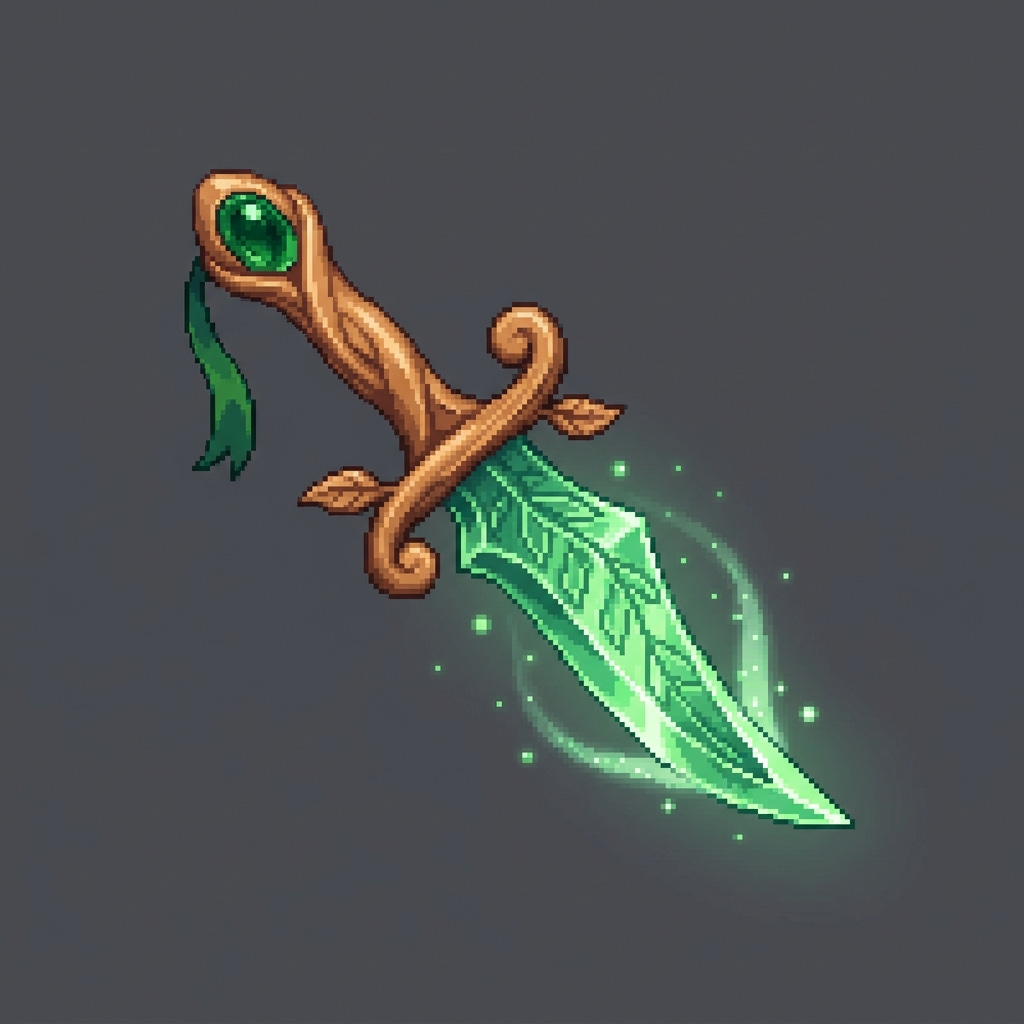
The fix is usually some combination of background removal (chroma key, segmentation, or a dedicated removal API) followed by alpha cleanup. None of this is conceptually hard, but it adds a non-trivial step to every asset, and quality can be inconsistent, especially around fine edges like hair, feathers, or busy outlines.
If your pipeline doesn’t handle this upfront, “generate asset” quickly becomes “generate asset + manual cleanup.”
2) Consistency: the animation frame problem
Single images from a model can look great in isolation. Ask the same model for the next frame of a walk cycle and you may get a character who has quietly changed their shoes, armor color, and jaw shape.
This is the deeper issue: most models don’t reliably preserve identity across generations. Every frame is effectively drawn from scratch, and consistency depends on how tightly your prompt, seed, and conditioning constrain the output. In practice, those constraints are rarely tight enough for fluid animation, especially for anything more complex than a simple loop.
Approaches that reduce inconsistency:
Reference-image conditioning: feed the first frame back in as an image input for subsequent generations. This narrows variance significantly, but doesn’t eliminate it.
ControlNet-style pose conditioning: lock the pose across frames and let the model fill in appearance. This requires a model that supports pose/control inputs.
Frame interpolation as a last step: generate keyframes and interpolate between them rather than generating every frame. You trade some control for smoother continuity.
Accept variance and design around it: some styles (hand-drawn, deliberately jittery) tolerate or even benefit from inconsistency. Not always viable, but worth considering.
None of these are complete solutions; they’re mitigations. Consistency is still the reason many shipped games using AI-generated assets either feel slightly “off” in motion or hide the issue with short loops and clever masking.
What This Means in Practice
You can get a lot of value from agent orchestration without reaching for specialized tools. An asset pipeline is just one example: background removal, variant generation, sprite-sheet export, style checks, and all of it can live inside a single workflow system.


Once the pipeline exists, extending it to other parts of your production process becomes straightforward. That’s the actual advantage: not automating one step, but having one place to automate everything.
I built this pipeline in Friday Studio. You can use it to wire up the same asset generation, background removal, and sprite-sheet export without adding another tool to your stack. Try it for free at hellofriday.ai.
